
Identity theft is a rampant crime worldwide. Hopefully, it never happens to you.
Here are some security tips to help prevent identity theft
01
Credit Freeze
Place a credit freeze on Equifax, Experian, TransUnion to prevent unauthorized individuals from opening new credit accounts in your name. No cost. Ignore any prompts to pay $20–$30/month for credit monitoring. Plan to spend a few minutes temporarily lifting the freeze when necessary, such as applying for loans or credit cards. Reference: https://www.usa.gov/credit-freeze
02
Blur Home on Google Maps
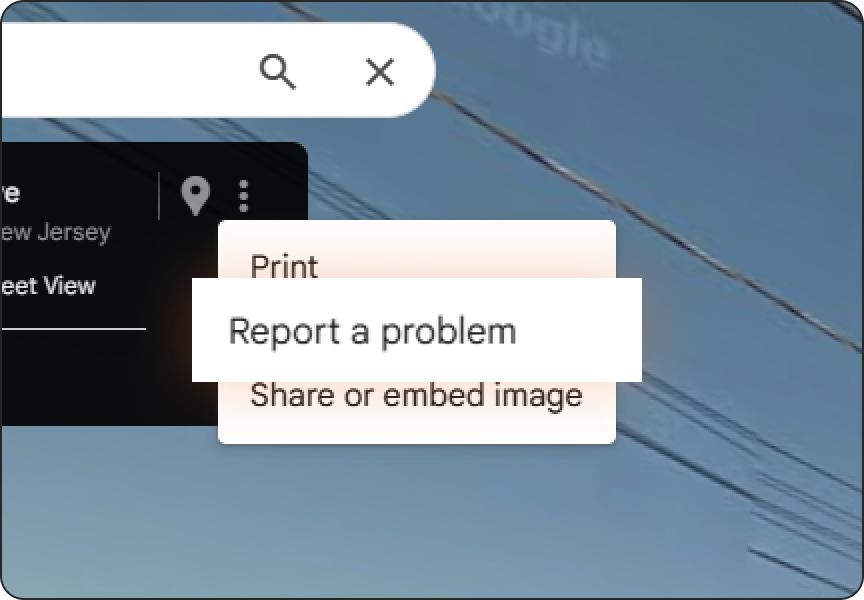
Open Google Maps on a desktop, pull up your address, enter Google Street View, and click “Report a Problem” in the bottom-right. Fit the red box around your home, choose “My home,” add a short reason (privacy concern/doxxing), submit, and watch for follow-up. If approved, the blur is permanent and can’t be undone. Reference: https://support.google.com/maps/answer/15439776
03
California DROP

California has launched a Delete Request and Opt-out Platform (DROP) as a centralized way to request deletion of personal information from hundreds of data brokers . This is key in helping protect privacy, reduce unwanted contacts, and lower risk of identity misuse. Reference: https://privacy.ca.gov/drop
04
Social Security Number Protection

Go to your Social Security account. Under “My Profile,” click on “Security.” In addition to setting up two-factor authentication, the SSA office often adds additional security options such as “Extra Security” or temporary 8-digit Security Authentication PIN (SAP) to save time when calling in. If you suspect a compromise, block electronic and automated telephone access by calling the SSA at 1-800-772-1213. Reference: www.ssa.gov
05
Personal Data Removal Service
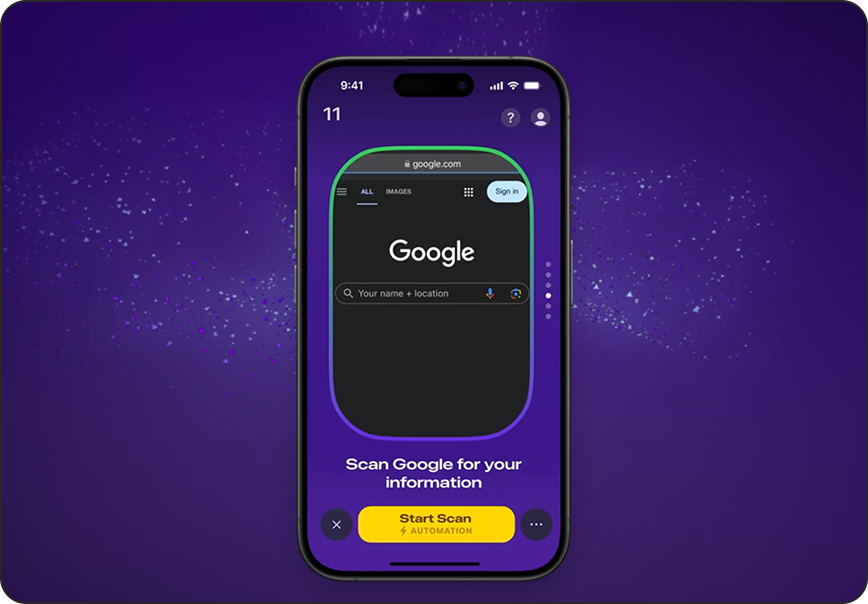
There are effective tools now to help remove personal identifiable information from across the Internet. Subscribe to a specialized, transparent data removal tool like Kanary. ProAlign has tested several services and recommends Kanary. The professional subscription is $10/mo plus $5/mo for additional family members. It requires proper setup and periodic monitoring.
Reference: https://www.kanary.com/?utm_source=proalign
06
Identity Protection Service
Add an automated alert monitoring service for identity theft. Subscribe to a service like Aura, Identity Guard, LifeLock, or any of the credit bureaus. Requires proper setup and periodic review of notifications. ProAlign uses and recommends Aura and prefers a service separate from the three major credit bureaus.
07
Password Manager
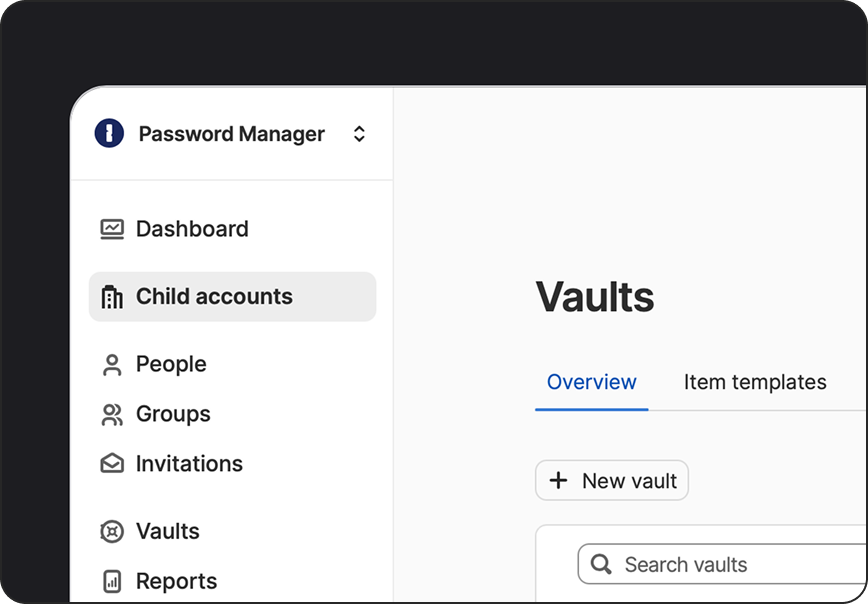
Choose a reliable password manager. ProAlign recommends 1Password due to its security rigor and top rating. 1Password has a browser add-on for convenience when using a desktop, a mobile app and compatibility with Safari on the iPhone. Ensure all logins use a unique password. 1Password can also detect if existing passwords have been breached or show up on the dark web.
08
2FA or Authenticator
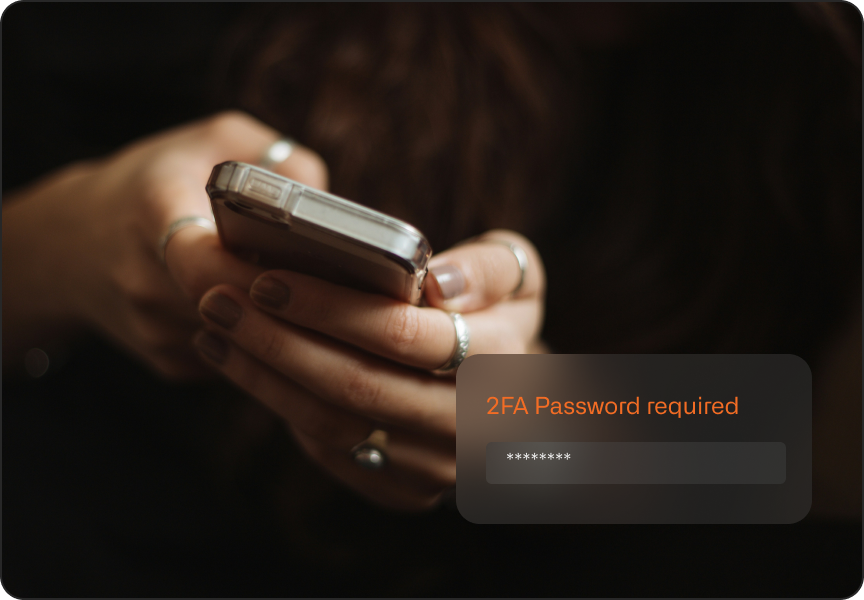
Utilize two factor or multi factor authentication for all logins. A text to your phone or use of an authentication application on your phone is often cited as the most important step in preventing attacks. Many individuals are also switching to passkeys to replace passwords and 2FA.
09
Antivirus Software
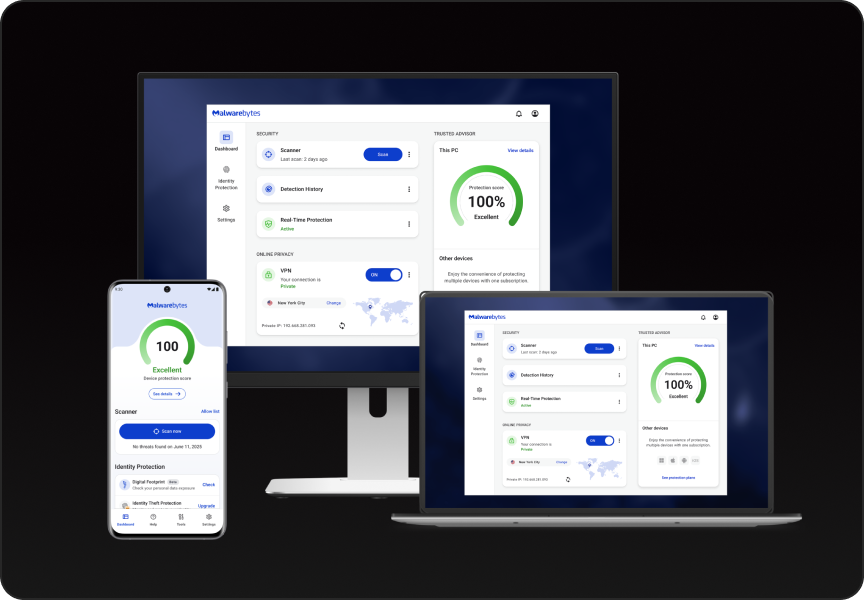
Select a trusted antivirus application such as MalwareBytes for comprehensive protection. ProAlign recommends MalwareBytes based on feedback from our cybersecurity partners who also recommend MalwareBytes for small businesses. MalwareBytes works with Microsoft Defender and MacOS security for dual protection. MalwareBytes also includes multi-device (family) subscription.
10
Social Network Privacy
Limit personal information on social media to reduce the risk of identity theft and scams. Research and adjust privacy settings on each social media platform. Minimize personal details on your profile such as family names, birth dates, home addresses, emails, high school details, etc. Further, ensure usernames do not contain your name, important years, pet names, hobbies, or associated cities/states. ProAlign recommend Kanary to help scan the internet and remove exposed personal information on data broker and spam sites.
11
Encrypted Email
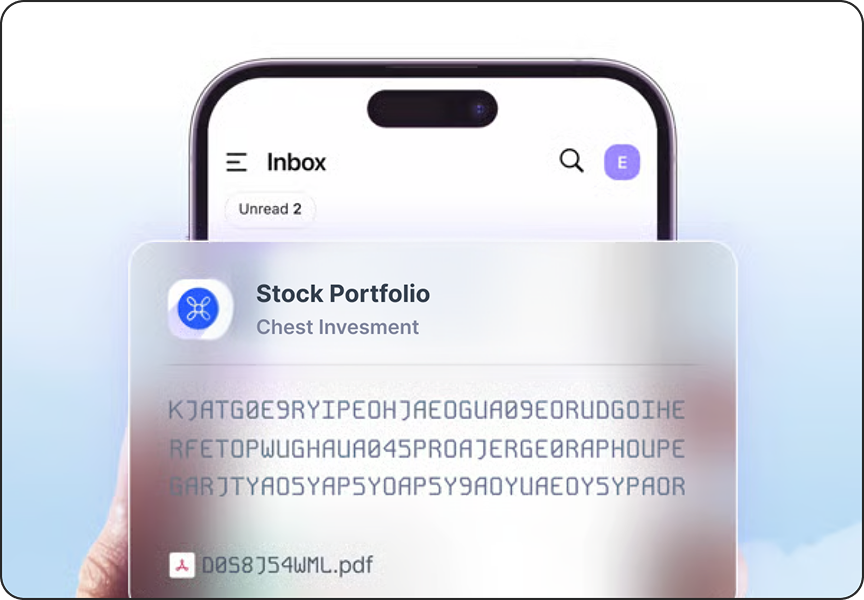
For financial accounts, encrypted email ensures secure communication and helps protect important accounts. Many encrypted email providers also offer the ability to create multiple alias email addresses to compartmentalize different accounts, enhancing privacy and security. Select an encrypted email service such as Proton Mail (used by ProAlign staff). Use it exclusively for all financial institutions and, if helpful, create separate aliases for each financial account.
12
SIM Swap Protection
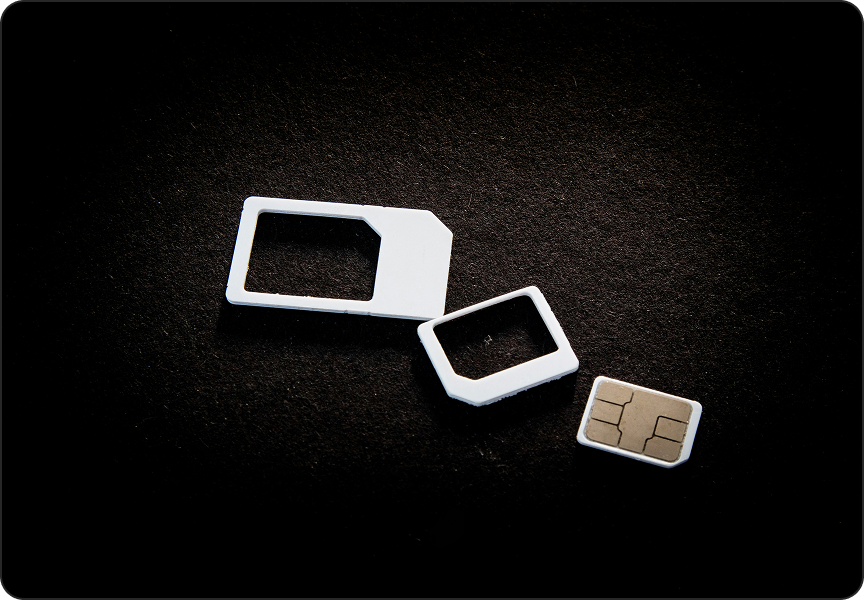
Prevent criminals from taking over your mobile device and stealing two-factor authentication codes. Log into your mobile carrier website and in the account settings enable “SIM Protection” and “Number Lock.” Protect these options with non-obvious pin numbers.
13
VPN Service
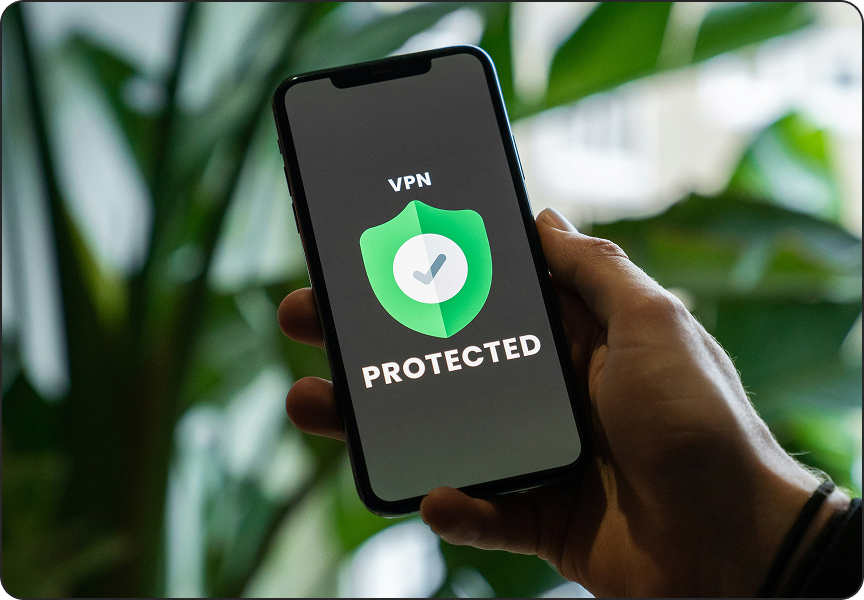
Utilize VPNs like Private Internet Access (PIA) or NordVPN to anonymize your internet traffic on public Wi-Fi networks, protecting you from eavesdropping and data interception. ProAlign staff use and recommend PIA. Install the VPN app and ensure it is active when using public or unsecured Wi-Fi networks.
14
Credit Offers Opt Out
Opt out of unsolicited credit offers by registering at optoutprescreen.com and DMAchoice.org to reduce the risk of intercepted mail.
15
Mail Delivery Precaution

Prevent mail, such as credit cards, from being stolen by promptly collecting mail or placing a hold when away. Consider using a secure mailbox that utilizes a key.
16
iPhone Security
Enable Find My iPhone and ensure you can remotely wipe your device if lost or stolen. For iPhones, in the “Face ID & Passcode” section, scroll all the way down to “Allow Access When Locked” and disable “Control Center”. This way, if someone steals your phone, they can’t turn it on airplane mode while they try to hack it so that you can immediately wipe the phone remotely. Further, avoid using public charging stations, which can be a source of malware infection.
17
Additional Suggestions
If you are a victim of identity theft, file a police report. The filed report will be useful to execute data takedown requests, account security hardening, and any insurance claims.
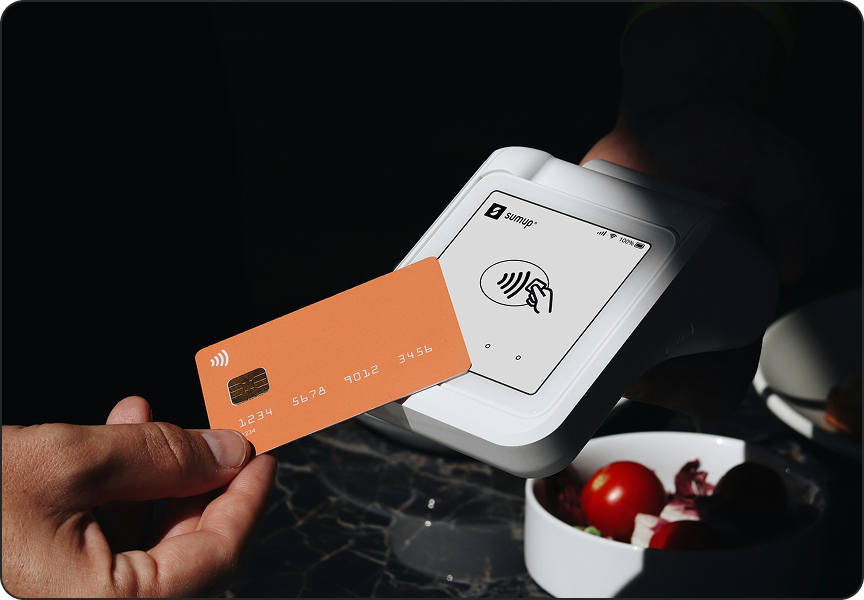
Avoid using debit cards for online purchases. Credit cards offer better fraud protection and easier recourse in case of warranty or fraudulent transactions.
Use a separate email account for shopping, delivery services, tickets, social media, etc. - different from your main personal
correspondence email.